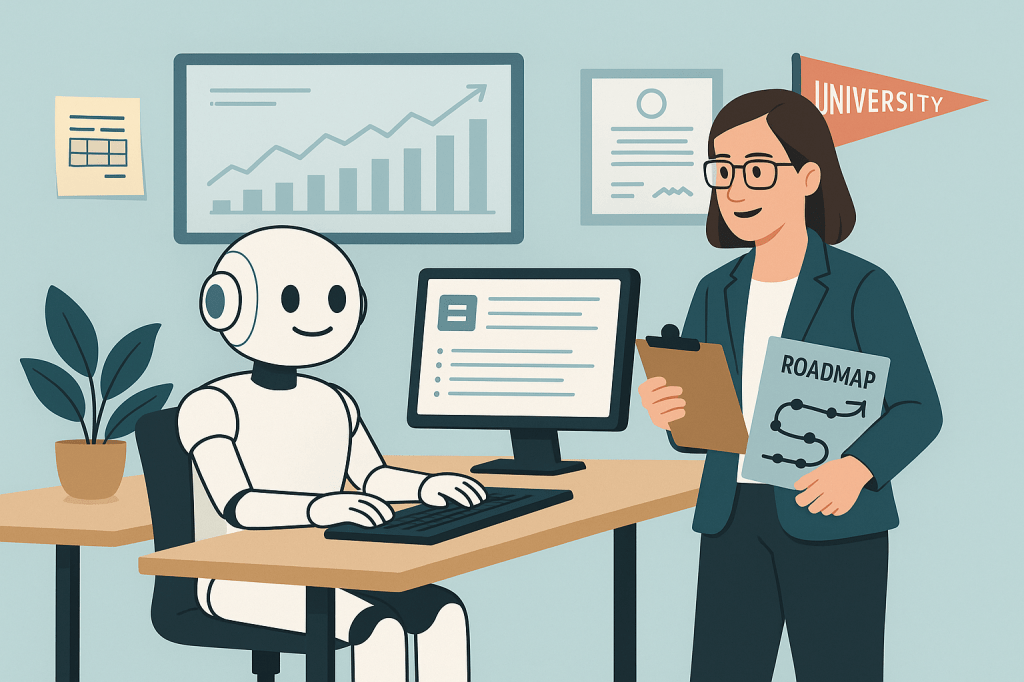
If you’ve ever undertaken a full website content audit, you know the pain: pages upon pages of outdated, redundant, inconsistent, and sometimes irrelevant or misdirected content. But with small teams, limited time, and growing pressure to deliver better digital experiences, many organizations struggle to make content audits a regular practice. Not surprisingly, web teams are looking for ways in which ChatGPT can help to make the tedious parts of the audit process.
Here’s a look at what it can do well, where it still falls short, and how we can smartly integrate it into our content workflows.
What AI can do well in a content audit
1. Accelerate the editorial review
When you paste content into ChatGPT, you instantly get feedback on:
- Passive vs. active voice
- Overly complex phrasing
- Wordiness/bloat
- Inconsistent tone
This is especially helpful when reviewing hundreds of pages created by dozens of contributors over the years—a common scenario in higher ed, where decentralization is the norm.
Example prompts:
“Review the following web content. Make it more student-friendly by simplifying the language, converting passive voice to active, and tightening long sentences. Keep a warm, welcoming tone appropriate for prospective undergraduates.”
“Edit this content for clarity and readability. Make it sound professional and concise, appropriate for parents of prospective students. Suggest improved headlines or subheadings if needed.”
2. Help standardize content elements
AI can be incredibly useful for:
- Writing meta descriptions
- Generating page summaries
- Creating alt text suggestions
- Ensuring consistency in CTA phrasing (e.g., “Apply Now” vs. “Start Your Journey”)
This standardization is low-effort but high-impact, especially when improving accessibility and SEO.
Example prompts:
“Analyze the following paragraph and suggest a stronger call to action. The page is designed for prospective graduate students exploring program options. Make the tone encouraging but confident.”
“Suggest ways to improve user engagement on this content page. Focus on clarity, layout, and calls to action. Assume this is part of the admissions section of a university website.”
3. Match tone to purpose or audience
With a thoughtful prompt, GPT can reshape content for different audiences. For instance, if you want your content to sound more “first-year student-friendly or better suited for parents, or if you want to add warmth and storytelling to a program or department page, GPT can help make suggestions. Of course, it can’t replace your brand voice guide, but it can definitely support it when used strategically.
Example prompt:
“Rewrite the following content to better match the tone and expectations of [insert audience, e.g., ‘prospective undergraduate students’]. Use friendly, direct language. Emphasize clarity and approachability while preserving the core message.”
4. Preliminary categorization and tagging
GPT can also help identify what “type” of content you’re dealing with, based on structure and language. For instance, it typically does a fine job classifying pages or blocks of content as a specific page type. While it won’t replace your taxonomy strategy, it’s a quick first pass to parse through large volumes of content.
Example prompt:
“What type of content is this? Classify it as one of the following: program overview, news article, student testimonial, admissions info, academic policy, event announcement, or other. Then summarize it in 1–2 sentences.”
What AI can’t do (yet)
1. Understand institutional goals and strategic fit
AI has no knowledge of your enrollment goals, content strategy, or institutional priorities. It won’t tell you, for example, if a page is helping achieve a key conversion goal, or whether it is duplicating or contradicting content elsewhere. It can refine what’s there, but it can’t determine if it should be there to begin with.
2. Interpret performance metrics or behavior
Even if you feed it content from a page with 80% bounce rate and low time on page, ChatGPT has no access to your analytics, so it can’t tell you what content users are searching for but can’t find, or what content is being mostly ignored. You still need tools like GA4, Hotjar, or your CMS analytics to bring real performance insights to the table.
3. Handle institutional nuance, politics, or compliance
GPT doesn’t know the political trickiness of your institution, such as whether you need to reference certain individuals in a specific way or which language cannot be altered because of accreditation policies.
It also can’t keep track of accessibility guidelines, editorial calendars, or content governance plans. That still requires human oversight and institutional knowledge.
4. See across the entire ecosystem
AI tools don’t (yet) crawl your full site to identify issues such as redundant pages or similar content across departments, gaps in the user journey (e.g., missing next steps or CTAs), or inconsistencies in terminology sitewide (“first-year” vs. “freshman”)
Your human team, with the help of site crawlers like Screaming Frog or content reporting tools in your CMS, is still critical here.
How to make the best use of ChatGPT
Think of ChatGPT as your editorial analyst, not your strategist. It’s a great tool for micro-level analysis, and for fixing, summarizing, and cleaning up. It helps you move faster. But it still needs your judgment, goals, and prioritization to deliver real value.
Here’s an idea for a hybrid approach for AI-augmented content audit workflow:
- Start with a crawl of your site using your CMS, SEO tool, or Hannon Hill’s content audit template.
- Triage high-priority pages based on traffic, conversions, or visibility.
- Feed content into GPT with clear prompts:
“Suggest edits for clarity, student-friendly tone, and a stronger call to action.” - Review AI suggestions critically, applying brand guidelines and audience knowledge.
- Tag, track, and prioritize changes using a content inventory spreadsheet or project board.
- Loop in human editors, designers, and owners where needed.
AI won’t replace the content audit. But it can transform it from a daunting, once in a blue moon event into a more continuous, agile process.
By using tools like ChatGPT to handle the repetitive, tactical tasks, your team can stay focused on the strategic ones: telling a compelling story, engaging your audience, and driving real results.
Because at the end of the day, your content isn’t just words, but it’s a reflection of your institution’s values, voice, and value. And that still requires a human touch.
What about you? Do you use ChatGPT to help with you content audits?


Leave a Reply