I’ve been thinking about higher ed a lot (even more than usual) these days, as it’s facing some challenging times, so I’ll be posting a bit more higher-ed focused content on here.
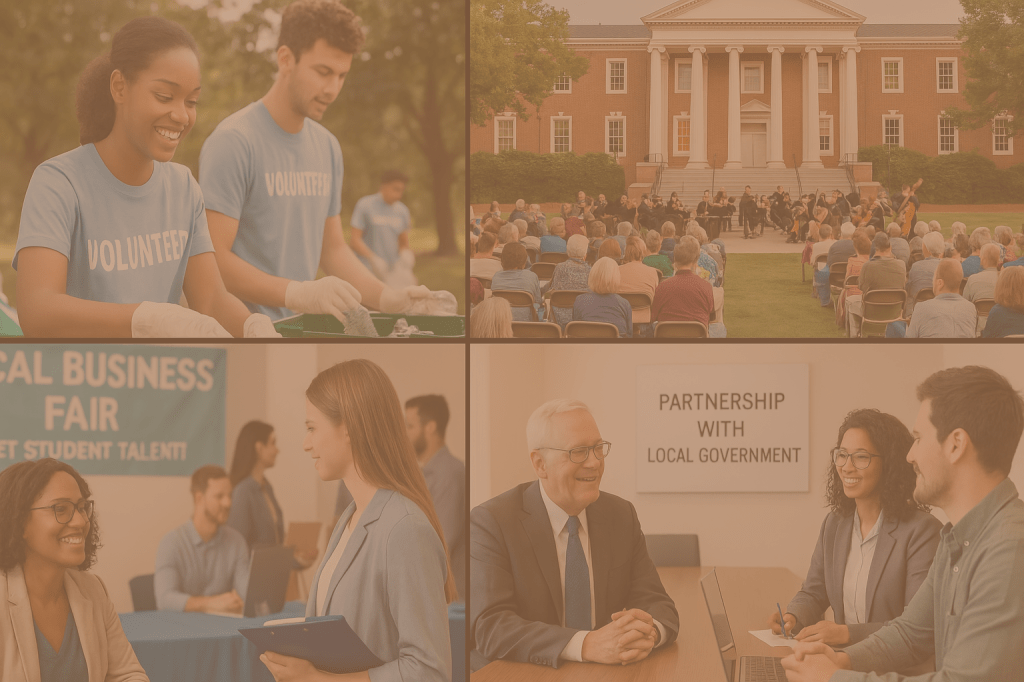
When we think of higher education websites, personalization is often tailored towards prospective students. But we have to remember that not every visitor to your site is a prospective or current student. Your local community, businesses, nonprofits, government entities, and residents are also key stakeholders.
Your website should reflect the dynamic role your institution plays as an economic driver, cultural anchor, and community partner. And by leveraging personalization, you can bridge the gap between their needs and the opportunities you offer.
Why personalization matters for connecting with the community
From internship collaborations to public events and research partnerships, colleges and universities provide a huge array of opportunities for locals. However, many of these offerings are tucked away on hard-to-navigate sections of a website or buried under generic content.
Personalization allows you to deliver content tailored to the nuances of a visitor’s interests, location, or past activity. This is important for a number of reasons.
Relevance Saves Time: A local business owner doesn’t need to sift through pages to find information on internships or faculty consultants. Instead, relevant content can surface automatically based on their profile or behavior.
Strengthens Relationships: When locals see your institution highlighting community-focused initiatives or opportunities for collaboration, they feel valued instead of feeling like a secondary consideration to students.
Drives Engagement: Whether it’s promoting a local event or recruiting nonprofit organizations for student service projects, targeted content drives action. Instead of vague calls to “learn more,” show visitors opportunities that they’re more likely to pursue.
Personalization techniques by audience type
The key to successful personalization is understanding what different users are looking for and adapting your website to meet those needs. Here’s how you can personalize content for different community audiences.
Local business owners might be interested in
- Procurement or sponsorship opportunities
- Internship and co-op project partnerships
- Faculty consulting or access to innovation incubators
Personalization opportunity: If a user arrives from a Chamber of Commerce newsletter, their landing page features an intro to your business incubator programs, along with testimonials from local startups your students have worked with.
Community members might be interested in
- Public event calendars.
- Volunteer opportunities.
- Information about continuing education or lifelong learning programs.
Personalization opportunity: Geolocation triggers events happening nearby. For example, visitors in the area see a banner promoting a free local concert or lecture series happening this week.
Local government and nonprofits might be interested in
- Impact reports showcasing your contribution to the community.
- Opportunities to collaborate with faculty or student research teams.
- Information about civic engagement initiatives or advisory councils.
Personalization opportunity: After a government nonprofit leader downloads your community impact report, a follow-up form asks about partnership interests and suggests relevant case studies based on prior pageviews.
Methods to implement personalization
To connect with the right audience at the right time, utilize these personalization strategies:
1. Geolocation
Detect a visitor’s location and display locally relevant information.
Example: Visitors from City A might see a banner promoting volunteer opportunities nearby, while someone in City B sees a local career fair.
2. Campaign source
Customize landing pages based on where the visitor came from (e.g., an ad campaign, community email newsletter, or social media).
Example: A visitor who clicks on an ad targeting local nonprofits might land on a page with prominent testimonials from other nonprofit collaborations.
3. Behavior-based
Track a user’s interactions on your site (e.g., pages viewed, links clicked) and dynamically suggest relevant content.
Example: A user who visited the “Volunteer Opportunities” page last week sees a CTA for signing up at a new event when they return.
4. Form submissions
Use data from submitted forms to tailor the user’s future experience.
Example: When a community member lists “arts” as an interest in a general form, they’re shown events like student plays and gallery exhibitions in follow-up emails or on their site visits.
Considerations for ethical personalization
While personalization has immense potential, ensure you use it responsibly to maintain trust with your audience. Here are some tips.
Avoid overassumptions:
Instead of hard-coded assumptions about a user, use soft prompts like, “Are you visiting as a local resident, a business, or a nonprofit partner?” to refine the experience.
Be transparent:
Allow users to opt out of personalized content or revert to a default version of your webpage.
Ensure accessibility:
Comply with WCAG guidelines to ensure all personalized experiences are user-friendly and accessible.
Getting started
Here are some simple starting points for your personalization initiative.
- Add a self-identification form
Include a form on your “Community” or “Partner With Us” page, asking users to identify as businesses, residents, or nonprofits. Use their response to tailor follow-up content.
- Dynamic event banners
Use geolocation and previous behavior to promote relevant events on your homepage.
- Highlight local success stories
Feature dynamic community success stories based on a visitor’s audience type or location.
Build a stronger community through personalization
Your community can be a strong ally and even partner. Just as you help students succeed with tailored opportunities, personalization helps connect local businesses and residents with everything your institution offers.
With personalization, your higher ed website transforms into a bridge between your campus and the community around it and can create a deeper sense of belonging
What about you? What are your ideas for using personalization to appeal to your community?

 lead up
Leave a comment