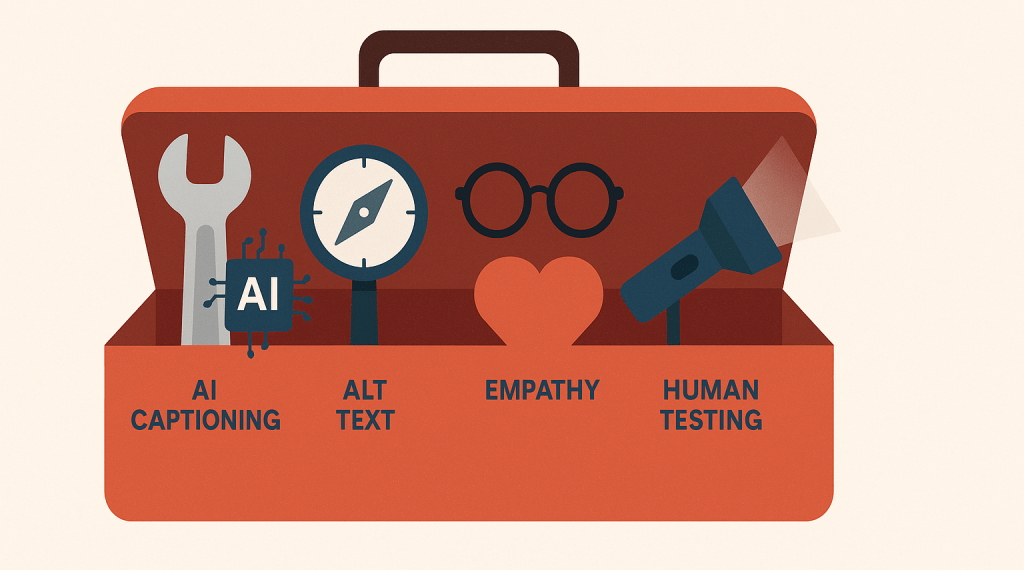
Accessibility isn’t a nice-to-have, not just for higher education. It’s a legal requirement, a moral imperative, and a core part of serving your full audience. As digital content continues to multiply across websites, accessibility can feel like a moving target, especially for teams that are already stretched thin.
Once again, many are looking at AI for help. With generative tools, automated checkers, and language models promising efficiency and scale, many web teams are wondering: can AI finally help us get ahead of accessibility?
The answer is: yes and no.
Let’s take a look at where AI can offer real support and where human oversight still reigns supreme.
Where AI can help with accessibility
1. Captioning and transcription
AI tools like Otter.ai or Whisper can automatically generate transcripts and captions for videos and podcasts. This is a big win for speed and coverage.
Pro tip: Always review auto-generated captions. Even small misinterpretations can alter meaning (especially in academic content).
2. Alternative text suggestions
Some platforms can suggest alt text for images using object recognition or contextual inference. This can save time, especially when uploading dozens of images at once.
However, these suggestions often lack nuance. “Two people at a table” doesn’t convey the same information as “Admissions counselor advising a first-year student in the student center.”
Pro Tip: Try Cascade CMS’s AI-driven suggestions for alt-text.
3. Accessibility checks
AI-powered platforms can crawl entire websites and flag potential accessibility violations such as contrast issues, missing form labels, improper heading structures, etc.
You can use it for triaging large sites and identifying systemic problems.
Where AI falls short
1. Contextual meaning
AI can’t determine whether your content actually communicates what it needs to. It might pass a technical scan but still confuse a screen reader user.
Example: A button that says “Click here” might be perfectly marked up. But it doesn’t tell the user what they’re clicking for.
2. Tone, empathy, and inclusivity
AI lacks emotional intelligence. It won’t know if your language is unintentionally biased, confusing, or exclusionary. That requires lived experience, human testing, and editorial review.
3. Compliance vs. experience
Passing a checklist doesn’t mean your site is usable for people with disabilities. Real accessibility is about experience, not just validation.
How should you use AI?
Here’s a simple framework:
| Task Type | AI Role | Human Role |
| Captioning & transcription | Generate draft | Edit and verify |
| Alt text | Suggest based on image | Add context and intent |
| Site scans | Identify patterns | Prioritize and implement fixes |
| Content writing | Flag complex phrases | Simplify and personalize |
Use AI to amplify, not replace. Let it surface patterns, automate the repetitive, and help you work faster. But remember: accessibility is ultimately about people. That means it always requires human care.
Aim higher than just compliance
AI can help you meet accessibility guidelines, but it can’t replace empathy. The most inclusive digital experiences come from teams who deeply understand their audiences and are committed to making everyone feel welcome, respected, and supported.
Once again, AI can free up time for the human work that really matters.
What about you? Have you used AI to help with accessibility?

 lead up
Leave a comment